
Page Updated on September 28, 2026
StockZuse includes a built-in Feedback feature that allows you to report a problem, suggest an improvement, or provide other feedback about the application.
When reporting an issue, the Feedback feature automatically includes technical information about StockZuse and your computer that may help TruVes Support investigate the problem.
Follow these steps in the StockZuse application. The images below are provided as examples and are not interactive.
Open the Feedback Window
To report an issue or submit feedback, click Feedback on the StockZuse toolbar.
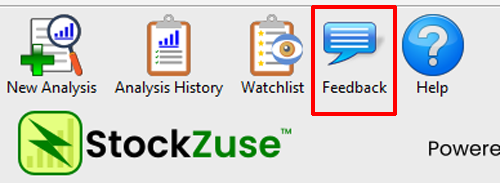
This opens the StockZuse Feedback window, where you can enter your contact information and describe your issue, suggestion, or other feedback.
Enter Your Feedback
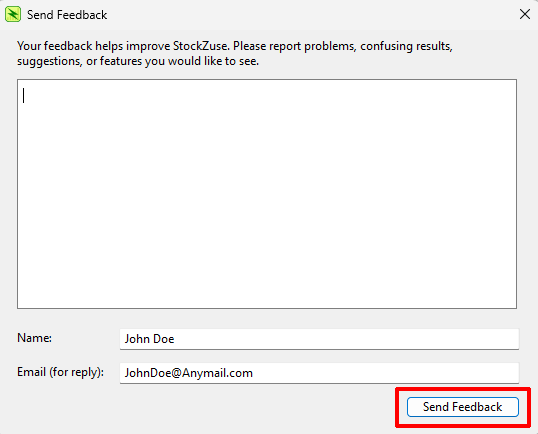
Enter a description of the problem, suggestion, or other feedback you would like to send.
When reporting a problem, include as much relevant information as possible, such as what you were doing when the problem occurred and what you expected to happen.
Enter your Name and Email address. Both fields are required to submit feedback. Your email address allows TruVes Support to contact you if additional information is needed or to respond to your feedback.
Click Send Feedback to submit your feedback to TruVes Support.