

Page Last Updated on 2025-01-15
New in Version 24.0
If you encounter a bug or an issue, we want to know about it. Additionally, any feedback that you can provide to us about the MedZuse app , whether it be positive or negative, is very valuable to us because it helps us improve our product and create a better experience for you, our customer. When you submit a report utilizing the in-app Feedback feature, it sends us a copy of the app’s error log and other pertinent information that will help us to expedite a resolution to the issue.
How to report an issue or submit feedback
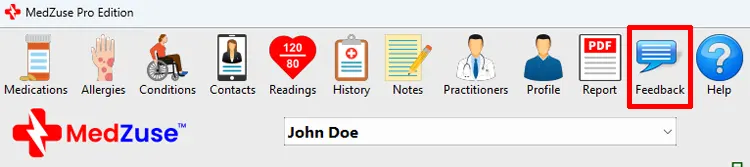
Step 1: On the toolbar, click on the Feedback button. The Feedback window will appear.
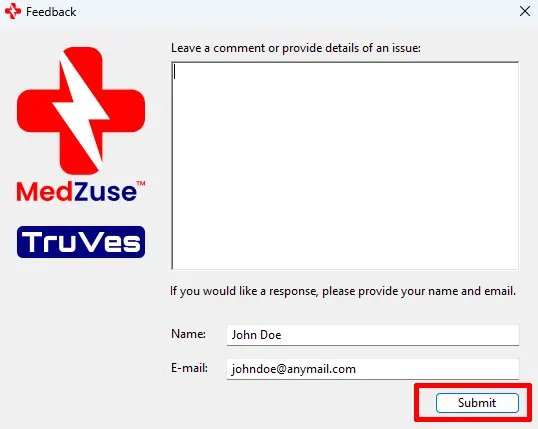
Step 2: On the Feedback window, enter details of the issue, as well as any comments or suggestions. If you would like a response to your submittal, provide your name and email address. When you are finished, click the Submit button.
Comments / Questions